The landscape of IPTV stream players has evolved significantly in 2026, offering viewers unprecedented control over their streaming experience. With numerous options available across different platforms, selecting the right player can dramatically impact content access, interface usability, and overall viewing satisfaction. Understanding the strengths and limitations of each player helps subscribers maximize their IPTV service potential while ensuring compatibility with their preferred devices.
Understanding IPTV Stream Players and Their Core Functions
IPTV stream players serve as the critical interface between your IPTV subscription and your viewing device. These applications decode and display live channels, video-on-demand content, and recorded programming through internet protocol television delivery.
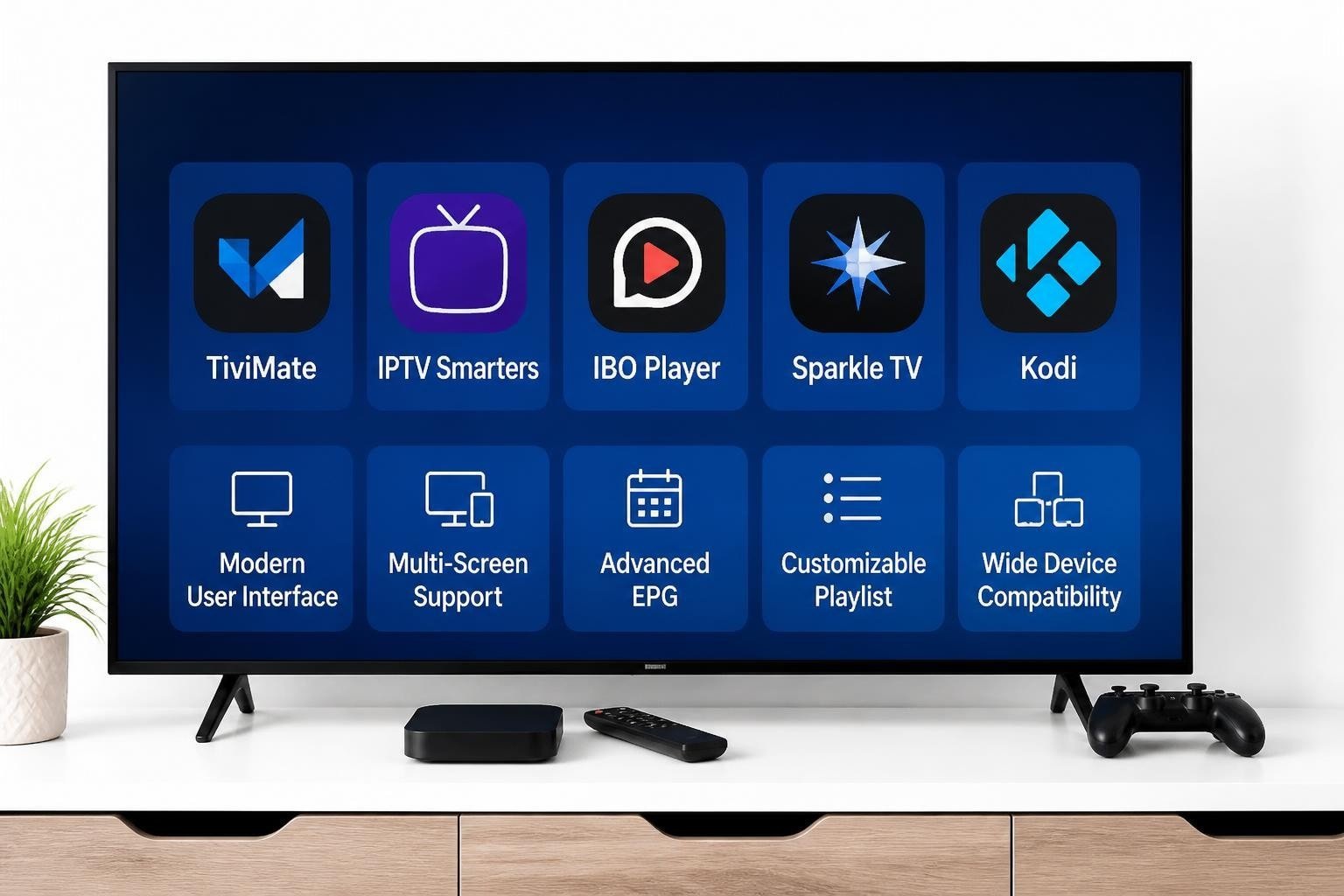
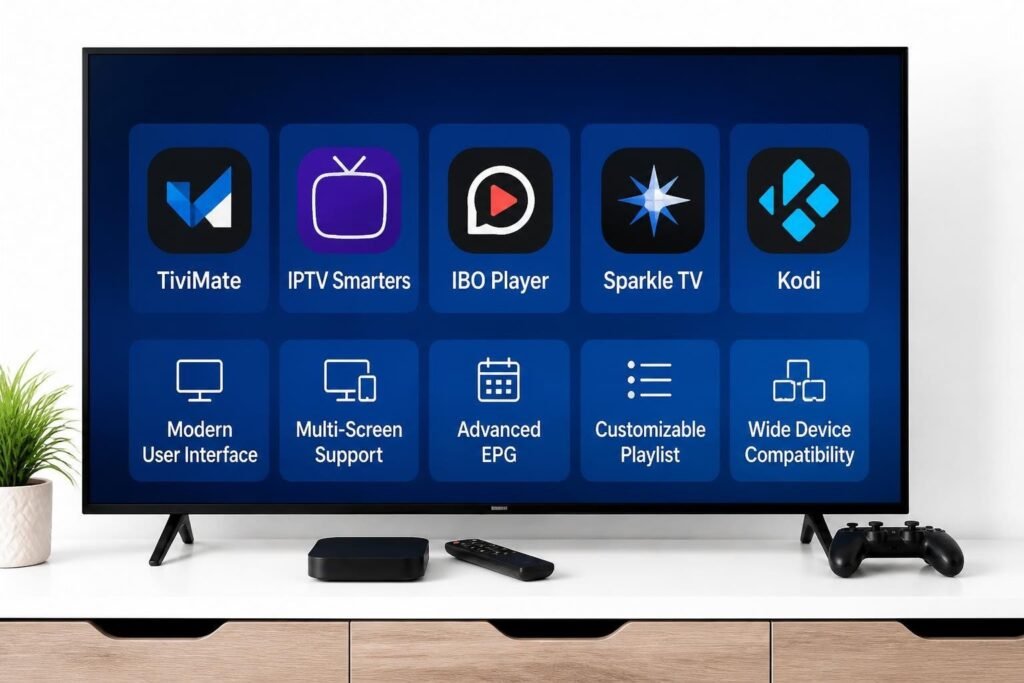
Modern iptv stream players have advanced far beyond simple video playback tools. They now incorporate sophisticated features including electronic program guides (EPG), catch-up TV functionality, multi-screen viewing, parental controls, and advanced playlist management. The quality of your streaming experience depends heavily on selecting a player optimized for your specific device and content requirements.
Key Features That Define Quality Players
When evaluating different options, several critical features separate exceptional players from mediocre alternatives:
- EPG Integration: Comprehensive electronic program guides displaying channel schedules, descriptions, and recording capabilities
- Multi-Format Support: Compatibility with M3U playlists, Xtream Codes API, and various video codecs
- User Interface Design: Intuitive navigation, customizable layouts, and responsive controls
- Device Optimization: Smooth performance across smartphones, tablets, streaming boxes, and smart televisions
- Playlist Management: Ability to organize, filter, and categorize channels efficiently
The best IPTV players for 2026 demonstrate these features while maintaining stability and privacy standards that protect user data.
Comprehensive Comparison of Leading IPTV Stream Players
The market offers numerous players, each with distinct advantages and target audiences. This detailed comparison examines the most popular options available in 2026.
TiviMate: Premium Choice for Advanced Users
TiviMate has established itself as the gold standard among iptv stream players, particularly for Android-based devices. This player delivers exceptional performance with an elegant, customizable interface that appeals to both novice and experienced users.
Standout Features:
- Premium EPG with multiple layout options and color schemes
- Picture-in-picture mode supporting simultaneous channel viewing
- Catch-up and recording functionality (premium version)
- Advanced playlist organization with favorites and custom categories
- Smooth 4K streaming with minimal buffering
Limitations:
- Premium features require subscription after trial period
- Limited availability outside Android ecosystem
- Requires external player for certain codec formats
TiviMate excels on Android TV boxes, Nvidia Shield, and Amazon Firestick devices. Its polished interface and robust feature set justify the premium pricing for serious IPTV enthusiasts.
IPTV Smarters Pro: Versatile Cross-Platform Solution
IPTV Smarters Pro ranks among the most widely adopted players due to its exceptional cross-platform compatibility and straightforward setup process. The application supports both Xtream Codes API and M3U URL inputs, making it compatible with virtually any IPTV service.
This player’s strength lies in its availability across multiple platforms including Android, iOS, Windows, macOS, and various smart TV platforms. The free version provides substantial functionality, though premium upgrades unlock additional features like external player integration and advanced EPG options.
Device Compatibility:
- Android smartphones and tablets
- iOS devices (iPhone and iPad)
- Amazon Firestick and Fire TV
- Android TV and Google TV platforms
- Windows and macOS computers
- Select smart TV models
The comprehensive IPTV player guide provides detailed setup instructions for IPTV Smarters across these platforms.
IBO Player: Specialized Smart TV Integration
IBO Player targets smart TV users specifically, offering native applications for Samsung Tizen and LG webOS platforms. This specialization allows deeper integration with smart TV interfaces compared to generic Android applications.
The player features a clean, television-optimized interface that works seamlessly with remote controls. IBO Player supports Xtream Codes API, making activation straightforward for subscribers with compatible services.
Advantages:
- Native smart TV applications for Samsung and LG
- One-time activation fee with no recurring subscriptions
- Stable performance optimized for television hardware
- Simple remote-friendly navigation
Drawbacks:
- Limited to specific smart TV brands
- Fewer advanced features compared to TiviMate
- Occasional compatibility issues with certain playlist formats
Sparkle TV: Emerging Contender with Modern Interface
Sparkle TV represents the newer generation of iptv stream players, incorporating modern design principles and streamlined functionality. Available for Android devices and Firestick, this player emphasizes simplicity without sacrificing essential features.
The application supports both M3U URLs and Xtream Codes, includes built-in EPG functionality, and offers parental control options. While not as feature-rich as TiviMate, Sparkle TV provides reliable performance at a competitive price point.
Kodi with IPTV Add-ons: Customizable Open-Source Option
Kodi transforms into a powerful IPTV player when configured with appropriate add-ons like PVR IPTV Simple Client. This open-source media center offers unmatched customization potential and supports virtually every platform imaginable.
Configuration Requirements:
- Install Kodi from official sources
- Add PVR IPTV Simple Client from Kodi repository
- Configure M3U playlist URL or local file
- Set up EPG source for program guide data
- Customize interface with preferred skin and settings
The Kodi IPTV setup resources on GitHub provide extensive documentation for advanced configurations. However, Kodi requires more technical knowledge compared to dedicated IPTV players, making it better suited for experienced users comfortable with manual setup processes.
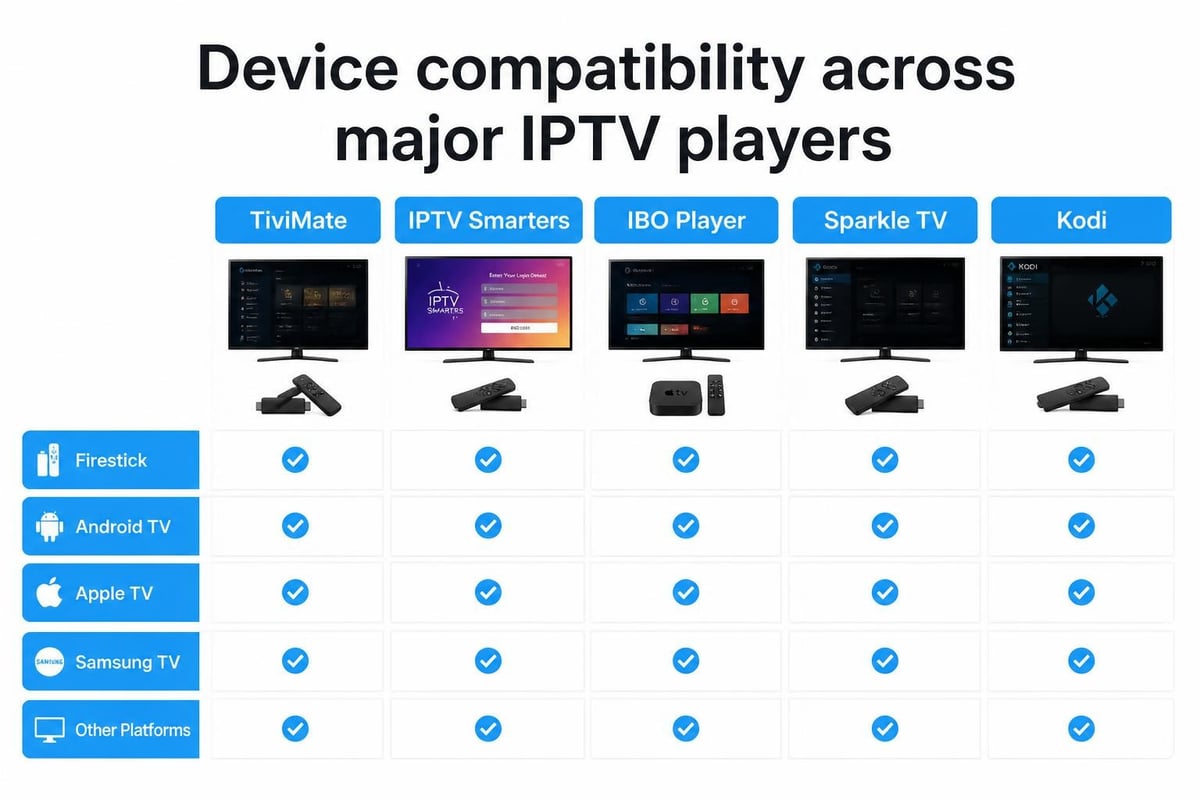
Detailed Comparison Table: Features and Compatibility
| Player | Best For | Price Model | EPG Quality | Recording | 4K Support | Ease of Use |
|---|---|---|---|---|---|---|
| TiviMate | Android TV, Firestick | Free/Premium subscription | Excellent | Yes (Premium) | Yes | Moderate |
| IPTV Smarters Pro | Multi-platform users | Free/Premium options | Good | Limited | Yes | Easy |
| IBO Player | Samsung/LG Smart TVs | One-time activation | Good | No | Yes | Very Easy |
| Sparkle TV | Firestick, Android | Subscription | Good | Limited | Yes | Easy |
| Kodi + Add-ons | Tech-savvy users | Free (open-source) | Customizable | Yes | Yes | Difficult |
| Perfect Player | Android devices | Free/Donation | Excellent | No | Yes | Moderate |
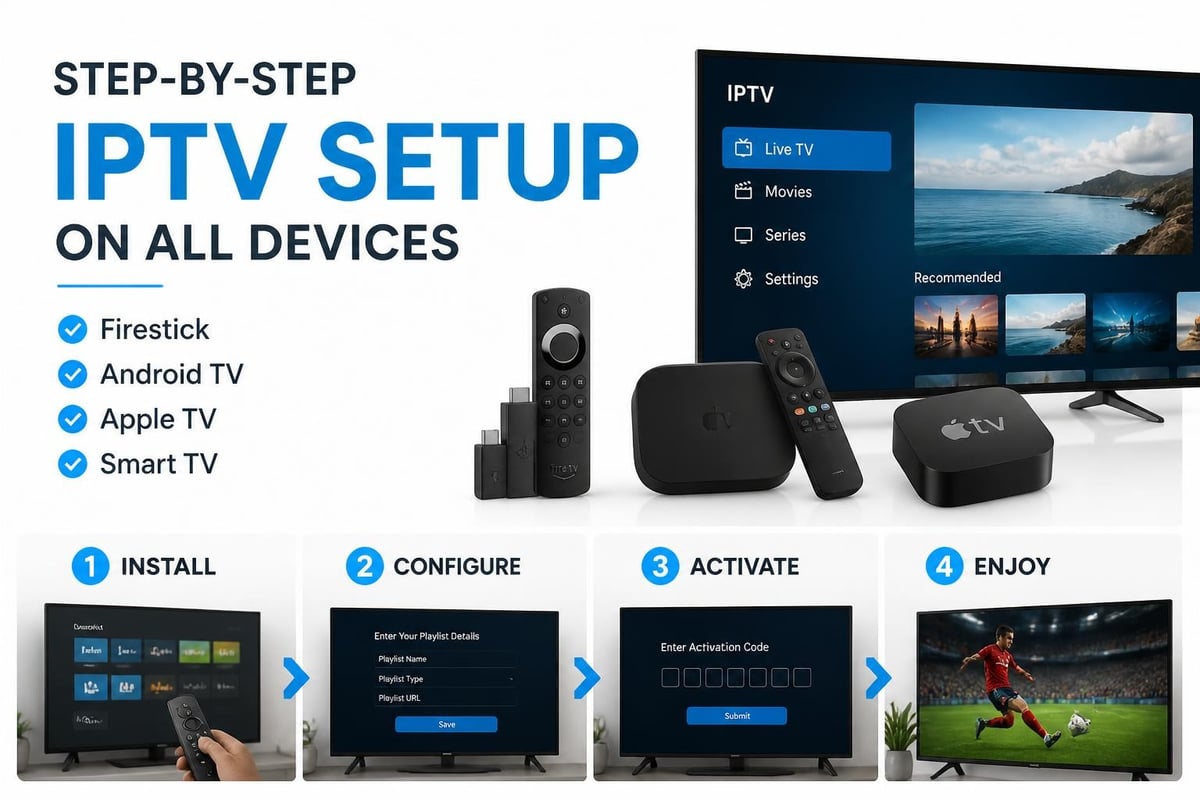
Platform-Specific Setup Guides
Configuring IPTV Stream Players on Amazon Firestick
Amazon Firestick remains the most popular IPTV streaming device in 2026, and setup procedures vary slightly between players. The top IPTV players for Firestick offer optimized performance for this platform.
TiviMate Installation on Firestick:
- Enable installation from unknown sources in Firestick settings
- Install Downloader app from Amazon App Store
- Enter TiviMate APK download URL in Downloader
- Install the downloaded application
- Launch TiviMate and add your playlist details
- Configure EPG source for program guide information
IPTV Smarters on Firestick:
The process simplifies further as IPTV Smarters is available directly through third-party app stores accessible on Firestick. Users simply search for the application, install, and enter their Xtream Codes credentials or M3U URL.
Android TV and Google TV Configuration
Android TV platforms offer the most straightforward installation experience for iptv stream players. Most applications are available through the Google Play Store or can be sideloaded using the Send Files to TV application.
TiviMate shines particularly on Android TV devices like Nvidia Shield, Chromecast with Google TV, and various smart TV models running Android TV. The platform’s processing power enables smooth 4K streaming and supports advanced features like multi-view and recording.
Installation steps mirror smartphone procedures, with users accessing the Play Store, searching for their preferred player, and installing directly. Configuration requires playlist URLs or login credentials from your IPTV provider.
Apple TV Compatibility Considerations
Apple TV presents unique challenges for IPTV stream players due to Apple’s restrictive app ecosystem. While IPTV Smarters Pro offers an iOS version accessible on Apple TV, options remain limited compared to Android platforms.
Available Solutions:
- IPTV Smarters Pro (available through App Store)
- GSE Smart IPTV (popular alternative with robust features)
- iPlayTV (premium option with excellent interface)
Users seeking Apple TV compatibility should verify their IPTV service supports Xtream Codes API, as most Apple TV players require this login method rather than direct M3U URLs.
Samsung and LG Smart TV Setup
Samsung Tizen and LG webOS platforms require specialized applications since they don’t run Android. IBO Player dominates this segment, though alternatives like Smart IPTV and SET IPTV also serve these platforms.
IBO Player Activation Process:
- Download IBO Player from Samsung App Store or LG Content Store
- Launch application to display activation code
- Visit IBO Player website and enter activation code
- Complete one-time payment for permanent activation
- Add your Xtream Codes login credentials
- Navigate channels using TV remote control
The IPTV Smart Player comparison details differences between players available for smart TV platforms, helping users select the optimal solution.
Advanced Features and Performance Optimization
4K Streaming Capabilities
As 4K content becomes standard, iptv stream players must handle higher bandwidth requirements and more demanding codecs. The best players optimized for 4K streaming incorporate hardware acceleration and efficient buffering mechanisms.
TiviMate and IPTV Smarters Pro both support 4K resolution when paired with capable hardware and sufficient internet bandwidth. Users should ensure their device specifications include:
- Minimum 25 Mbps internet connection for 4K streams
- Hardware decoding support for H.265/HEVC codec
- Sufficient RAM (minimum 2GB recommended)
- Updated Android or iOS version
EPG Integration and Customization
Electronic Program Guides transform IPTV stream players from simple video players into comprehensive television management systems. Quality EPG implementation displays accurate scheduling information, channel logos, program descriptions, and episode details.
TiviMate offers the most sophisticated EPG customization, allowing users to adjust timeline duration, modify color schemes, resize channel lists, and create custom categories. Premium subscribers can access catch-up functionality directly through the EPG interface, jumping to previously aired content with a single click.
Playlist Management Strategies
Efficient playlist organization becomes critical when accessing services offering thousands of channels. Advanced players provide filtering, search functionality, and custom grouping options.
Effective Organization Methods:
- Create favorite channel lists for quick access
- Use search filters to locate specific content
- Group channels by language, country, or genre
- Hide unwanted categories to streamline navigation
- Implement parental locks on adult content channels
Selecting Players Compatible with Apollo Group TV
When choosing among iptv stream players for use with comprehensive services offering extensive channel lineups, compatibility and performance become paramount considerations. Services providing access to over 100,000 live channels and 250,000 movies require robust players capable of handling large playlists efficiently.
TiviMate stands out as an excellent choice for subscribers prioritizing advanced features and customization. Its sophisticated playlist management tools help navigate extensive content libraries, while premium EPG integration ensures accurate scheduling information across thousands of channels. The Apollo Group TV subscription works seamlessly with TiviMate’s Xtream Codes API support, enabling quick setup and reliable performance.
IPTV Smarters Pro serves as the optimal cross-platform solution, particularly for users accessing content across multiple devices. Its availability on smartphones, tablets, streaming boxes, and computers ensures consistent viewing experiences regardless of location or device preference.
Recommended Player Selection by Use Case:
| Use Case | Recommended Player | Key Benefit |
|---|---|---|
| Android TV/Firestick power users | TiviMate Premium | Advanced features, best EPG |
| Multi-device households | IPTV Smarters Pro | Cross-platform availability |
| Samsung/LG Smart TV owners | IBO Player | Native TV integration |
| Budget-conscious users | IPTV Smarters Free | No cost, solid performance |
| Technical enthusiasts | Kodi with IPTV add-ons | Maximum customization |
Performance Optimization Tips
Regardless of which player you select, several optimization strategies ensure smooth streaming and minimize buffering issues:
- Connection Method: Use wired Ethernet connections instead of WiFi when possible for stability
- Hardware Acceleration: Enable hardware decoding in player settings to reduce CPU load
- Cache Settings: Increase buffer size in advanced settings for more reliable playback
- Background Apps: Close unnecessary applications to free system resources
- Regular Updates: Keep players updated to latest versions for bug fixes and improvements
The comprehensive IPTV player reviews provide additional optimization techniques specific to each application.
Troubleshooting Common Player Issues
Playlist Loading Problems
When playlists fail to load or display errors, several solutions typically resolve the issue:
- Verify playlist URL accuracy and proper formatting
- Check internet connection stability and speed
- Clear application cache and data
- Reinstall player application if corruption suspected
- Contact IPTV provider to confirm service status
EPG Data Not Displaying
Missing or incorrect EPG information frustrates users attempting to schedule viewing or access program details. Common fixes include:
- Confirming EPG URL is correctly entered in settings
- Allowing sufficient time for initial EPG data download
- Checking EPG source compatibility with your player
- Manually refreshing EPG data through player settings
- Verifying timezone settings match your location
Buffering and Playback Issues
Frequent buffering interrupts viewing experience and often stems from network limitations or player configuration issues. Address these problems by:
- Testing internet speed to ensure adequate bandwidth
- Reducing video quality settings if connection is limited
- Switching between hardware and software decoding options
- Adjusting buffer size in advanced player settings
- Trying alternative servers if provider offers multiple options
Legal Considerations and Content Access
While iptv stream players themselves are legal applications, content legality depends entirely on the IPTV service provider. Legitimate services license content properly and operate within copyright laws. The legal considerations for IPTV players highlight the importance of using authorized services.
Reputable players like those discussed don’t host content directly but simply provide the interface for accessing streams from your chosen provider. Users bear responsibility for ensuring their IPTV subscription comes from legitimate sources with proper content licensing.
Privacy and Security Features
Modern players incorporate various security measures protecting user privacy:
- Encrypted Connections: HTTPS playlist URLs protect login credentials
- No Data Collection: Quality players don’t track viewing habits or personal information
- VPN Compatibility: Players work seamlessly with VPN services for enhanced privacy
- Secure Payment: Premium player subscriptions use encrypted payment processing
Future Trends in IPTV Stream Player Development
The evolution of iptv stream players continues accelerating in 2026, with several emerging trends shaping future development:
Artificial Intelligence Integration: Smart content recommendations based on viewing patterns and preferences will become standard features. AI-powered EPG systems may automatically identify and highlight preferred content types.
Enhanced Multi-View Capabilities: Picture-in-picture functionality will expand to support simultaneous viewing of four or more channels, particularly valuable for sports enthusiasts monitoring multiple games.
Cloud Recording Integration: Players will increasingly support cloud-based DVR functionality, enabling recording and storage on remote servers rather than local devices.
Voice Control Advancement: Natural language processing will improve voice search and navigation, making hands-free operation more practical and accurate.
The free IPTV player apps available in 2026 demonstrate how rapidly innovation occurs, with new features and capabilities appearing regularly across both free and premium applications.
Making Your Final Selection
Choosing the optimal IPTV stream player depends on balancing multiple factors including device ecosystem, feature requirements, budget constraints, and technical comfort level. No single player serves every use case perfectly, but understanding your priorities clarifies which option aligns best with your needs.
Android users prioritizing advanced features and customization should gravitate toward TiviMate Premium despite the subscription cost. The investment delivers superior EPG quality, recording capabilities, and interface flexibility that justify the expense for serious IPTV enthusiasts.
Cross-platform households benefit most from IPTV Smarters Pro, which maintains consistent functionality across smartphones, tablets, streaming devices, and computers. This versatility eliminates learning multiple interfaces and enables seamless content access regardless of viewing location.
Smart TV owners find native applications like IBO Player provide the most integrated experience, working smoothly with television remotes and eliminating additional hardware requirements. The one-time activation fee offers long-term value without recurring subscription costs.
Budget-conscious users can start with free versions of IPTV Smarters or open-source solutions like Kodi, upgrading to premium options only after confirming their IPTV service meets expectations and justifies additional player investment.
Selecting the right IPTV stream player maximizes your viewing experience by providing smooth playback, intuitive navigation, and access to advanced features that enhance content discovery and management. Whether you prioritize cross-platform compatibility, advanced EPG functionality, or seamless smart TV integration, understanding each player’s strengths helps you make an informed decision. Apollo Group TV delivers the comprehensive content library and reliable streaming performance that complements these advanced players, offering over 100,000 live channels and 250,000 on-demand titles with anti-freeze technology and multi-device support. Explore the subscription options to discover how premium IPTV service paired with the right player transforms your entertainment experience.